

Notes from the terminal
Product notes, engineering decisions and release writing. Every post starts from something you can inspect in the repository.
12 posts, newest first.
Subscribe: RSS
All posts
12 posts
Nightly 2026-11-01: setup in one page, a grouped footer, faster computer use
v0.0.2-nightly.20261101.18 signs in to ChatGPT from the setup page, lists every model by engine, groups the footer, batches computer-use actions and fixes attach, dictation and sub-agent model names.
Read
A pull request reviewer that runs your own model and only posts what it verified
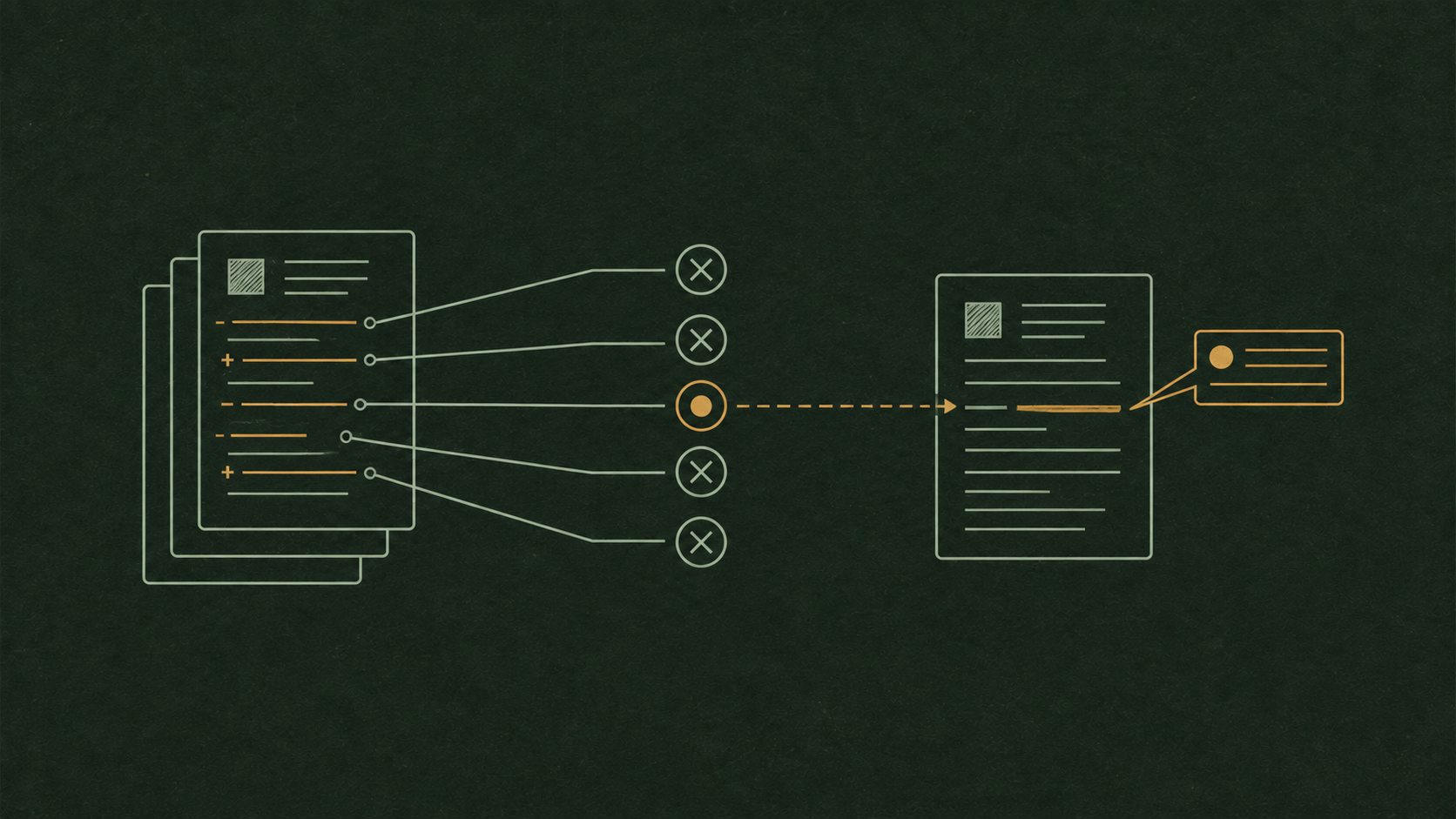
MendCode reviews pull requests in its daemon with the model you already use: a read-only review pass, an independent verify pass, code-graph context and one GitHub review that never blocks the merge.
The memory graph: links between facts decide what the agent reads
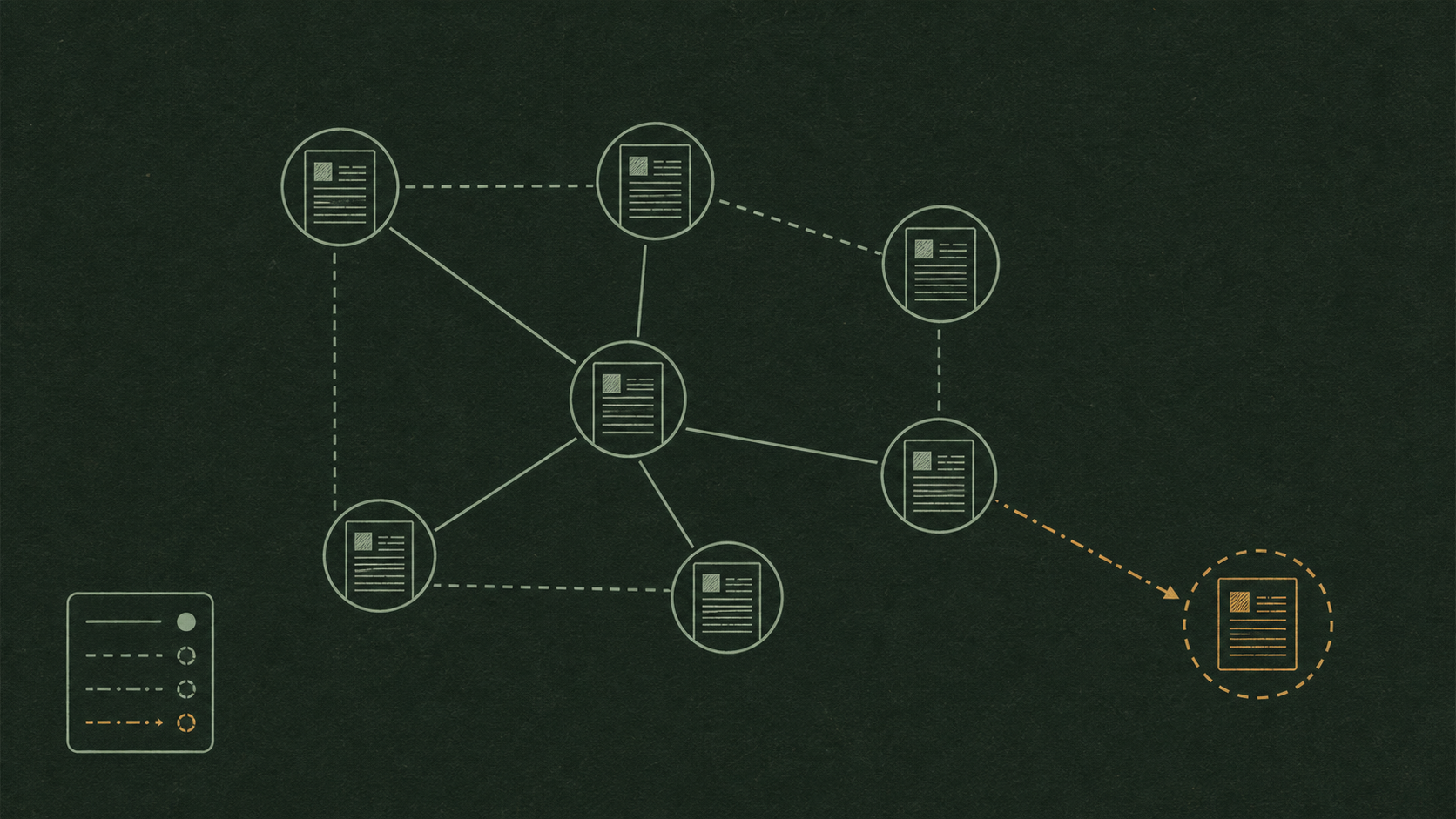
Saved memories in MendCode can be linked as related, conflicting, supporting or superseding. The links change which memories reach the prompt, and the Graph tab shows where the knowledge is thin.

Image generation belongs inside the coding session
image_gen saves images into the project with the same approval as a file write. It uses your ChatGPT login or an API key, takes up to five reference images and never writes outside the project.

Workflows need their own runtime
A MendCode workflow is a plan of agent and check tasks with a completion contract that decides when the work is done. Script workflows decide at run time which agents to start, inside the same limits and approvals.

MendCode: a terminal coding agent with its own engine, and room for the others
MendCode is one binary: a daemon that keeps sessions and a terminal UI that attaches to it. Its native engine uses the plans and keys you already have, and a session can run Claude Code, Codex, an ACP agent or pi instead.
The prompt is part of the runtime
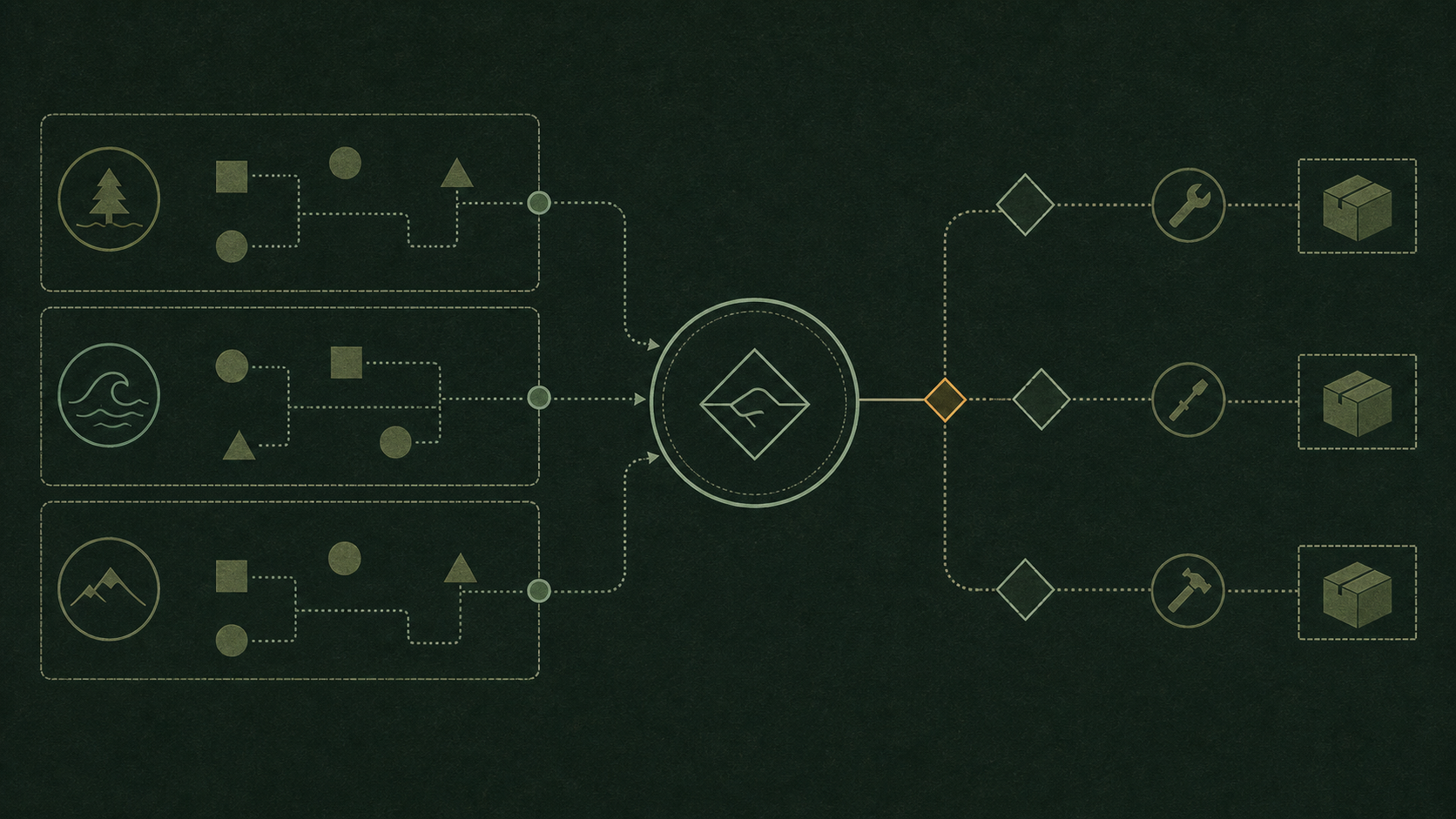
Every token in the first request is paid again on every call. MendCode measures its prompt per tier, lets you pick how much harness the model sees, defers secondary tools behind tool_search and shows compaction as it happens.

Own your terminal: every surface of MendCode can be replaced
40 themes, 22 view slots, keybindings with a leader key and vim mode, four prompt modes and five output styles, hooks on 12 events. /customize previews each change live and a package can carry all of it.
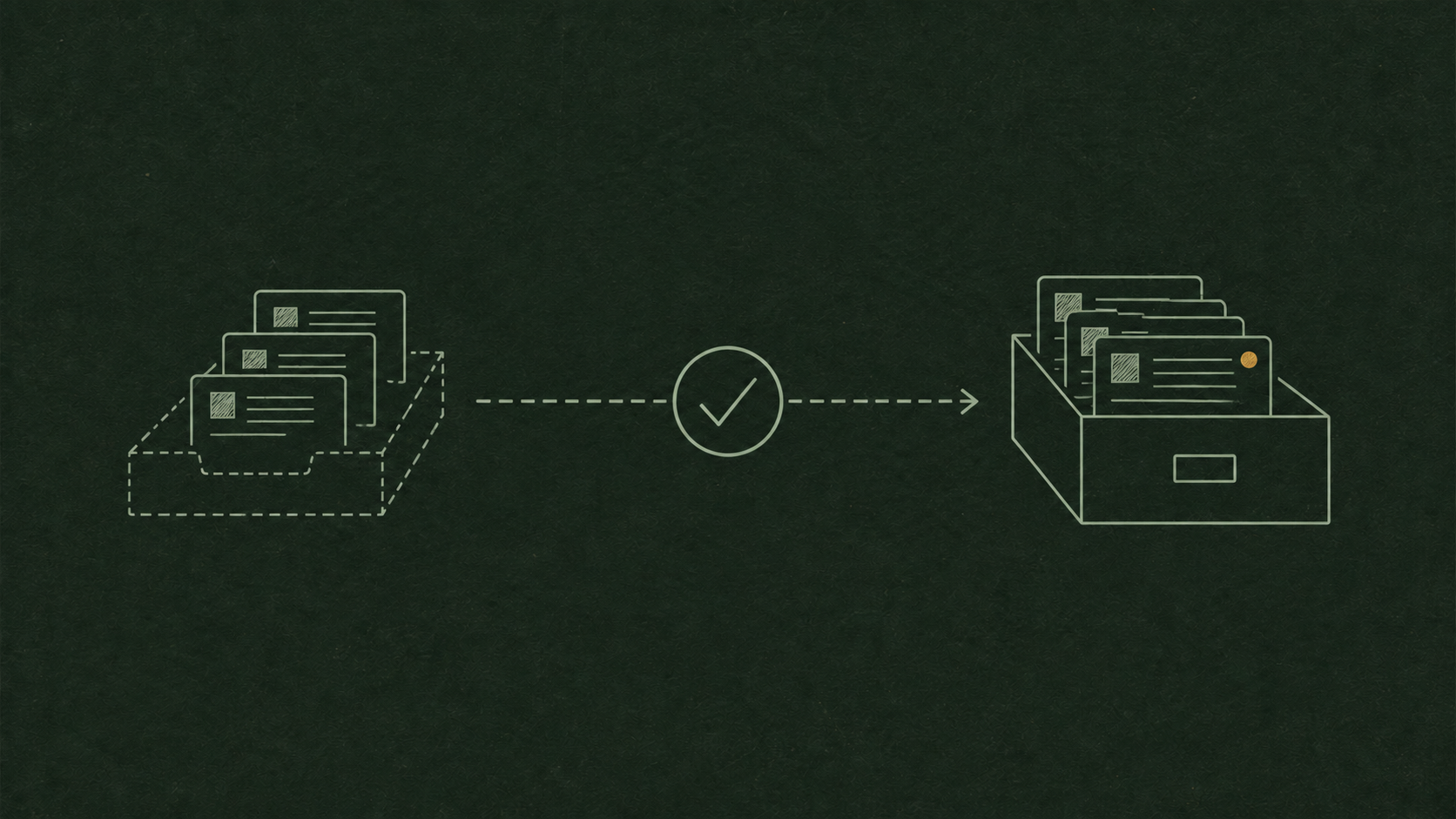
Memory you review: proposals, Dream and a side chat that does not interrupt
MendCode’s memory waits for your review by default. Dream proposes memories from session digests, /memory shows all of it in nine tabs, and /btw asks about a running session without stopping it.
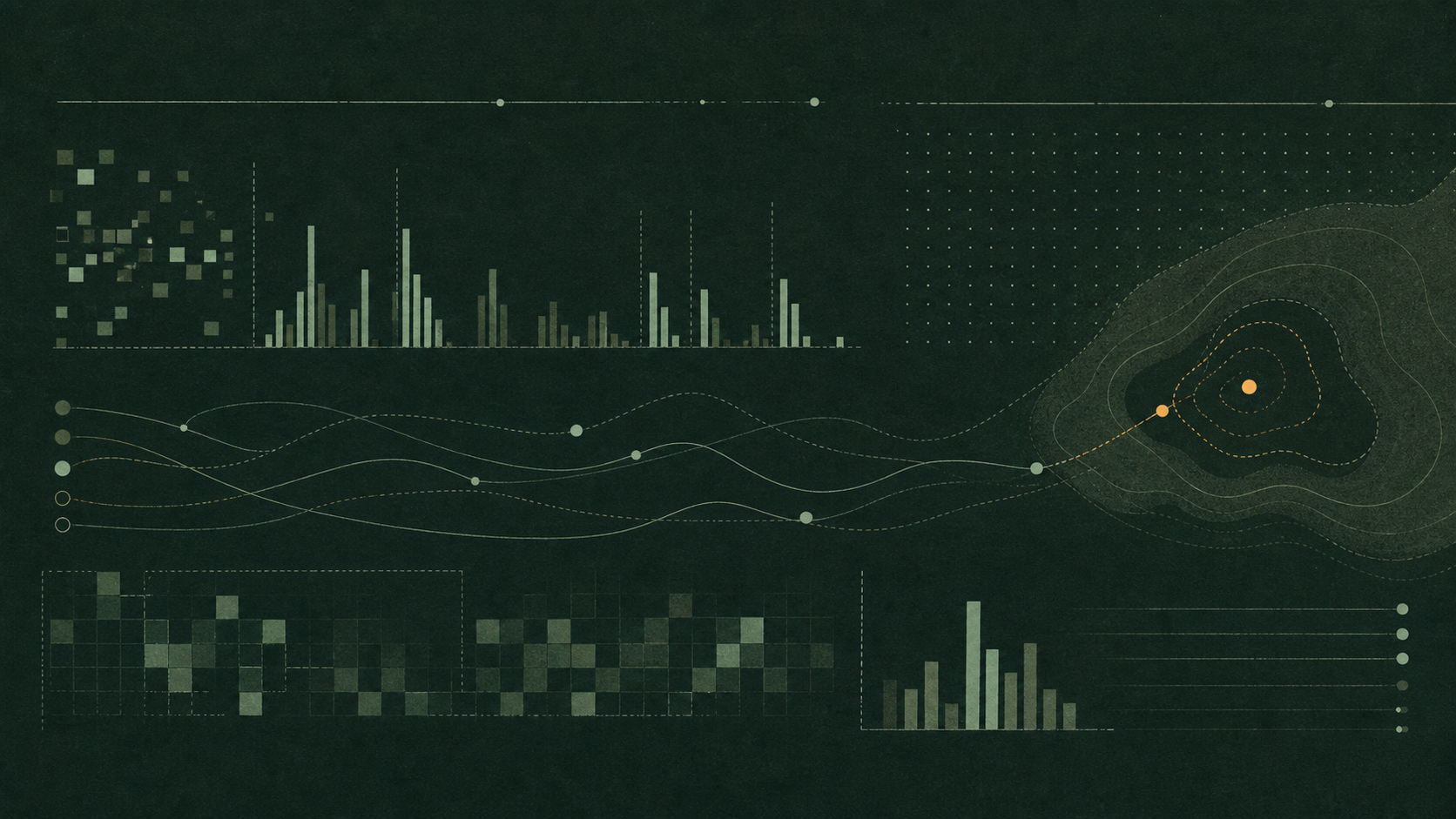
Usage you can read locally, including the tokens you paid for twice
/usage is a terminal dashboard built from MendCode’s own call records on your machine. Its Waste tab finds the calls that re-sent context after the cache went cold, a model switch or a changed prompt.

Packages: share a whole setup, remove it and get yours back
A MendCode package carries a look, skills, commands, agents, tools, workflows and more. It applies as an overlay, every change asks for approval with a fingerprint of every byte, and removing it puts everything back.

Permissions an agent can work with: rules in code, a sandbox underneath
MendCode’s daemon decides every tool call by its permission and the session’s mode. Smart mode settles low-risk calls with plain code and asks about the rest; pasted secrets become markers; an OS sandbox is an opt-in layer below.